Telugu and English. Typed or spoken.
A keyboard with one big idea: a microphone key right on the keyboard. Type Telugu with English letters and pick the Telugu word, or tap the mic, speak, and your words appear in whatever you are typing in.
Want it first?
VoiceType for Android is in testing now. Email sharathck3@gmail.com with the Google account you use on your phone and we will add you to early access as soon as a spot opens.
Type the way you text.
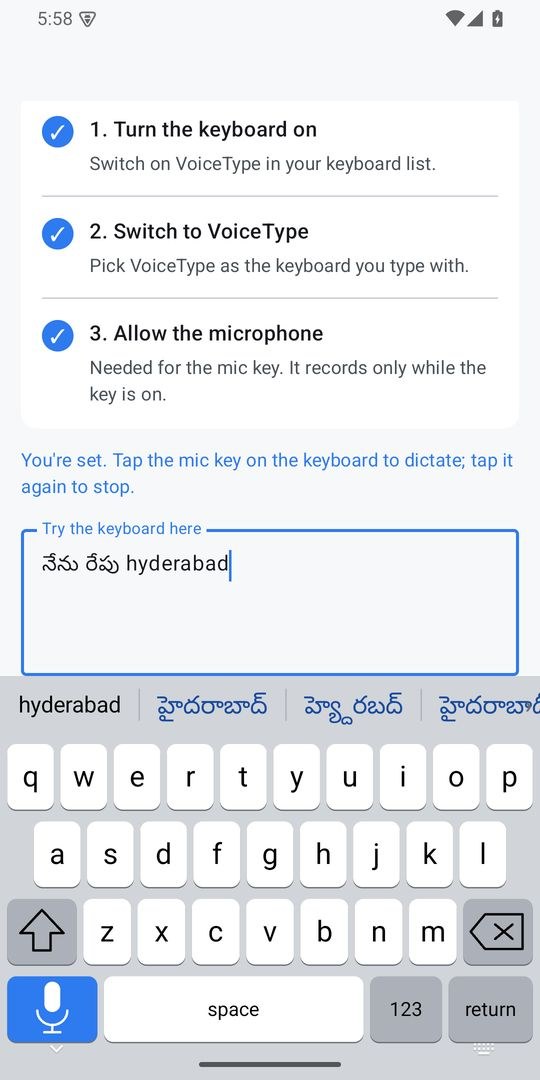
Type “nenu”, “ela unnaru”, “bagunnava”, and the Telugu words appear right above the keys. Tap one and it goes in. It all happens on your phone, with no network.
- English words still get English suggestions and gentle autocorrect
- A Telugu word typed in English letters is never “corrected” into English
- Dictate in Telugu and it comes out in Telugu script; English comes out in English
Speak, and watch it appear.
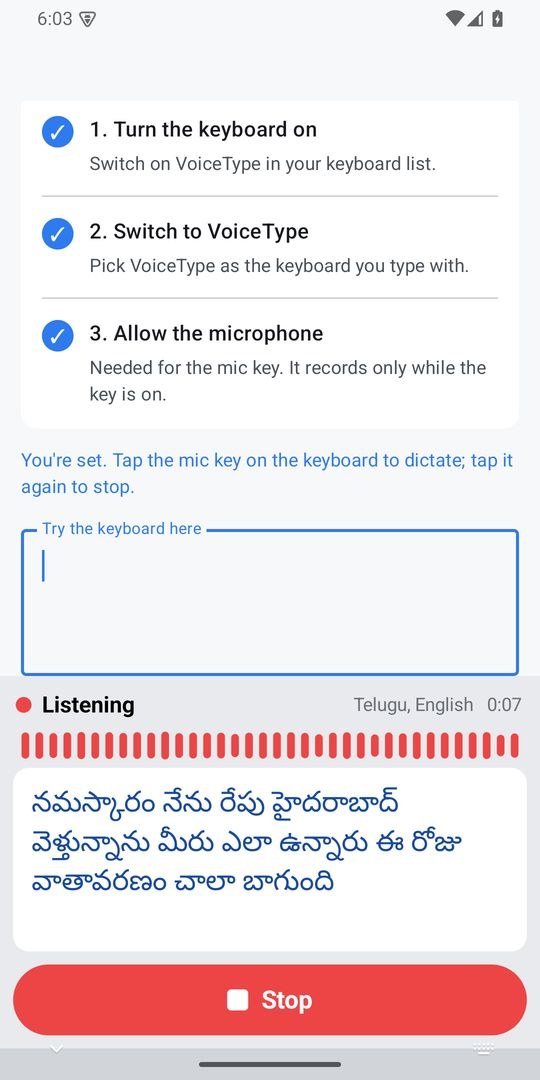
While you speak, the whole keyboard shows your words in large letters, a live microphone level and a timer. One big Stop button when you are done.
A mic key on the keyboard
Tap it, speak, and your words go into whatever you are typing in. No switching apps, no extra screens.
Your choice of speech engine
Pick from several leading cloud speech engines, or your phone's own on-device recognizer, which sends nothing anywhere.
Optional clean-up
Your names and terms spelled your way, obvious grammar tidied, or a tone. Everything is off until you turn it on.
Dictation history
Every dictation is saved, with search and one-tap copy, so you never lose something you said.
Swipe and predictions
Glide across the letters, get next-word predictions, and let the keyboard learn the words you use and the fixes you make.
Emoji as you type
“pizza” offers 🍕, and a full emoji search includes skin tones.
Gentle autocorrect
It leaves names alone, and one tap on backspace right after a correction restores what you typed.
Cursor and number pads
Slide on the space bar to move the cursor. Number and phone pads appear for number fields.
If the AI is unreachable
Your words go in exactly as you said them. A clean-up step never stands between you and your text.
A look inside.
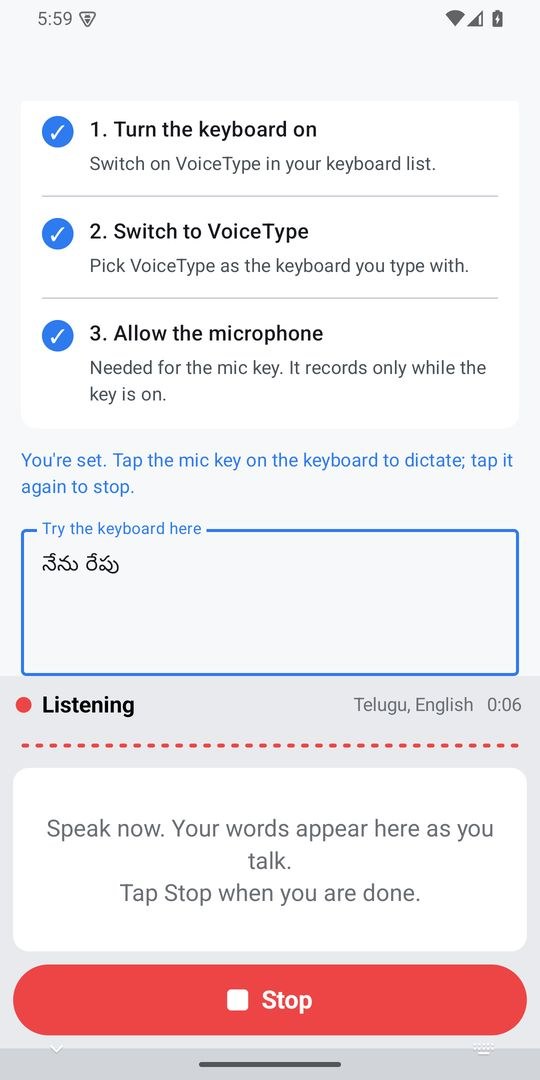
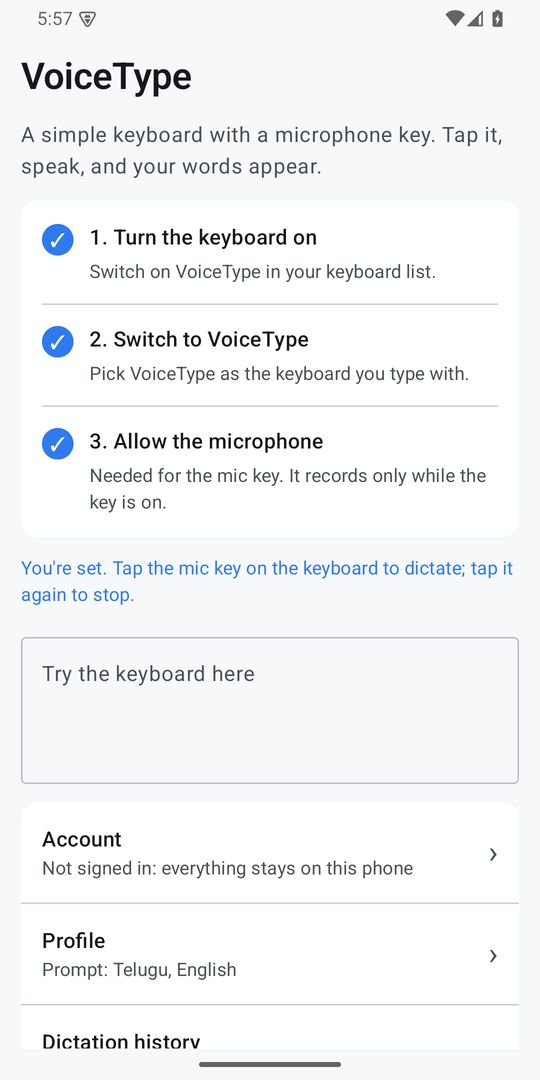
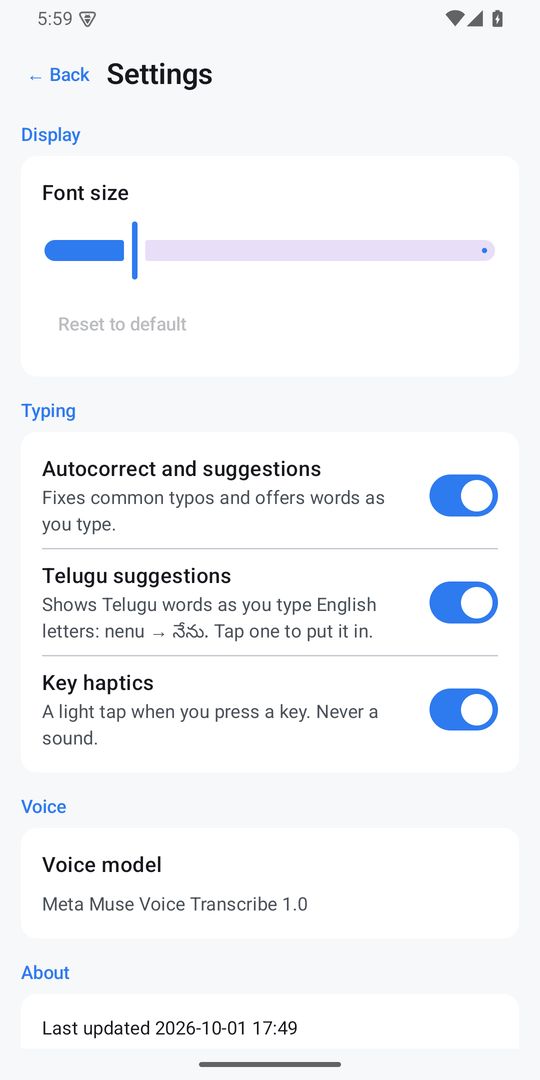
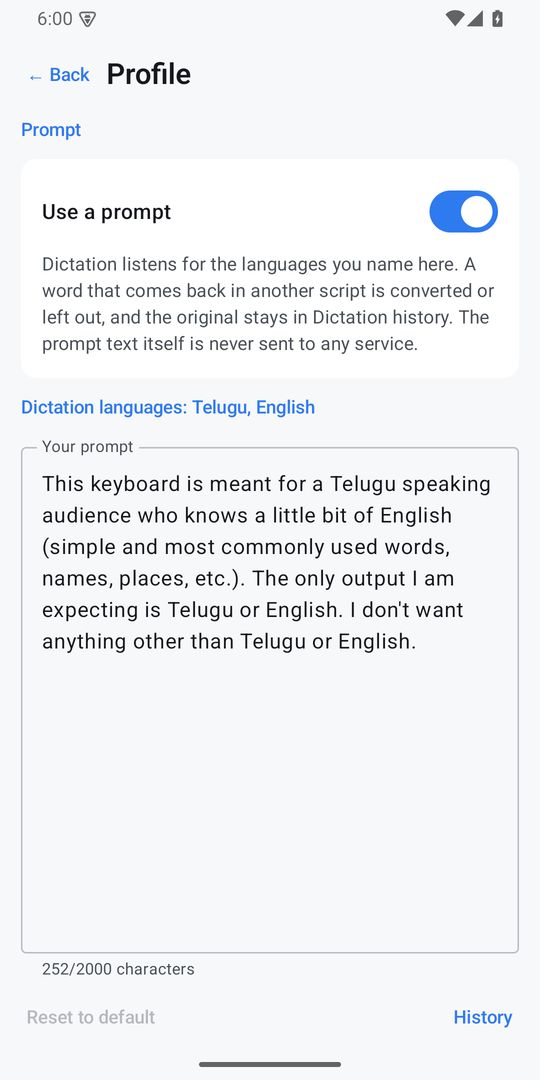
Three steps and you are talking.
- Turn the keyboard onOpen VoiceType and switch it on in your keyboard list.
- Switch to VoiceTypePick VoiceType as the keyboard you type with.
- Allow the microphoneThen tap the mic key anywhere you type. It records only while the key is on.
What you type stays yours.
Typing, swipe, autocorrect, Telugu suggestions and emoji suggestions run on your phone.
What you type stays on your phoneOnly the typing corrections you teach it (when signed in) and, if you use them, emoji-search and GIF-search words leave the phone.
The mic, only while the key is onVoiceType keeps no audio.
It asks before anything goes to an AI serviceIt shows exactly what goes where, and works fully on-device if you say no.
An account is optionalWith one, your prompt, vocabulary and dictation history follow you to your other devices, including iPhone. Delete it any time from inside the app.
Android questions, answered.
When can I get it?
VoiceType for Android is coming to Google Play. Email us at sharathck3@gmail.com with the Google account on your phone to ask for early access.
What does it cost?
Typing, swipe, autocorrect, Telugu suggestions and emoji are free and never need a subscription. Voice dictation is a monthly subscription with a one-week free trial for new subscribers; the price will be shown on Google Play at launch. Cancel any time in Google Play.
Which languages does it support?
Telugu and English. Type Telugu with English letters to get Telugu words, and dictate in either language: Telugu comes out in Telugu script and English in English.
Does it need the internet?
Typing never does. Voice typing with a cloud engine needs a connection; the on-device recognizer works without one.
Is it the same account as on iPhone?
Yes, if you sign in. Your prompt, vocabulary and dictation history follow you to VoiceType on your other devices, including iPhone. An account is optional.
VoiceType for Android is published by NextGenSystems AI Solutions LLC. Privacy Policy · Terms